

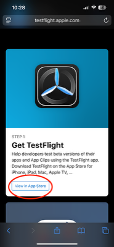
Step 1: Install Testflight from the App Store
Important: After installing Testflight, return to this page to complete setup.

Or
Go to Our Testflight home page then Click the ‘View in App Store’ Button under ‘Get Testflight’
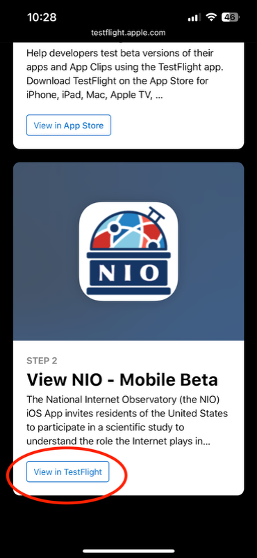
Step 2: Install the NIO App via Testflight

Or
Go to Our Testflight home page then Click the ‘View in Testflight’ Button under ‘View NIO - Mobile Beta’
FAQ
Why is Testflight asking me for a code?
Answer: This happens if you open Testflight by itself. To fix it:
- Return to the NIO Participate page
- Click Download for iOS again
- Testflight will show the NIO app
We cannot provide an invitation code at this time.